An iPhone app from Nate’s Software
Shoot like it’s
Sunset Blvd
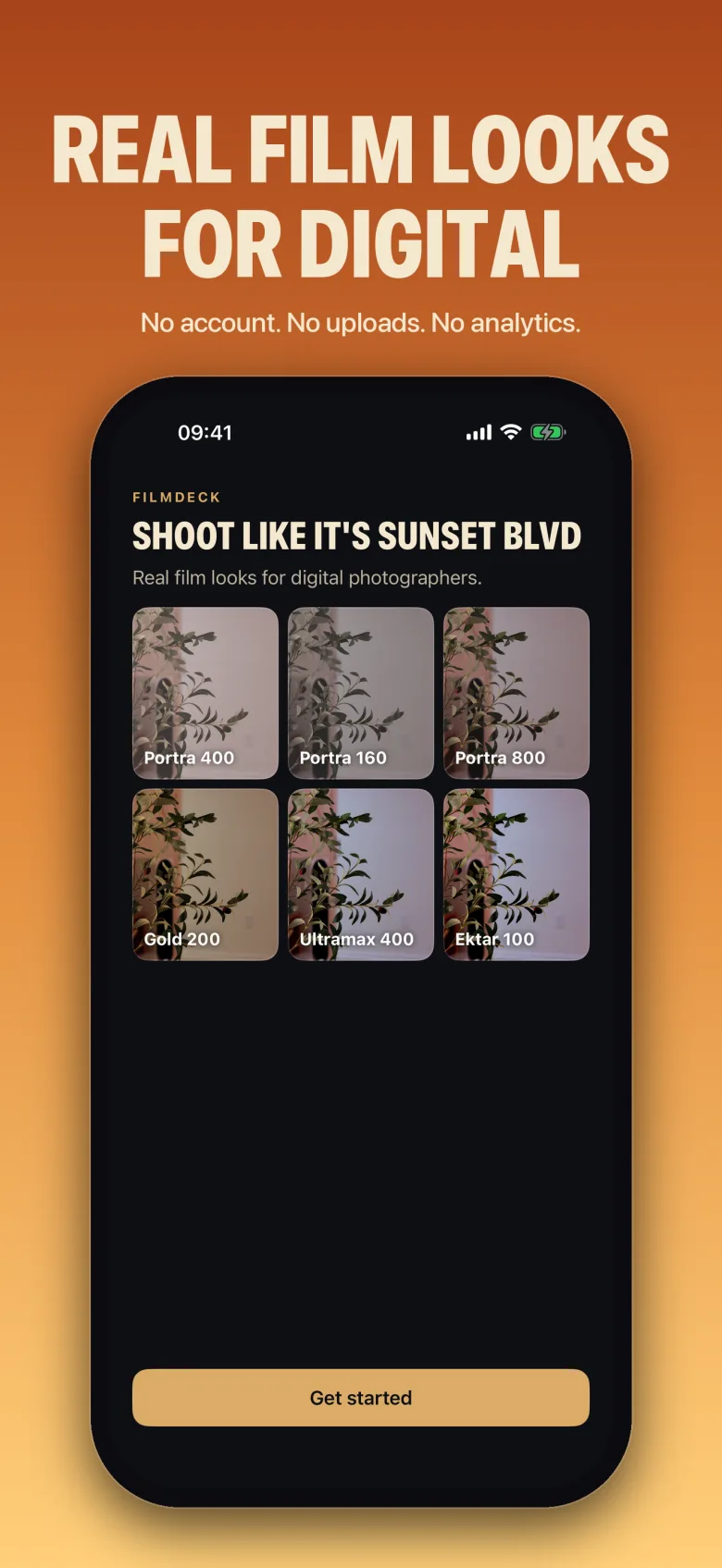
Real film looks for digital photographers.
Shoot on your iPhone with the film look live in the viewfinder. Put matching film-inspired palettes inside your Canon, adapted to what each camera can set. Develop RAW files from the camera or your library, right on the phone.
01 / The deck
A shelf of film stock, in your pocket
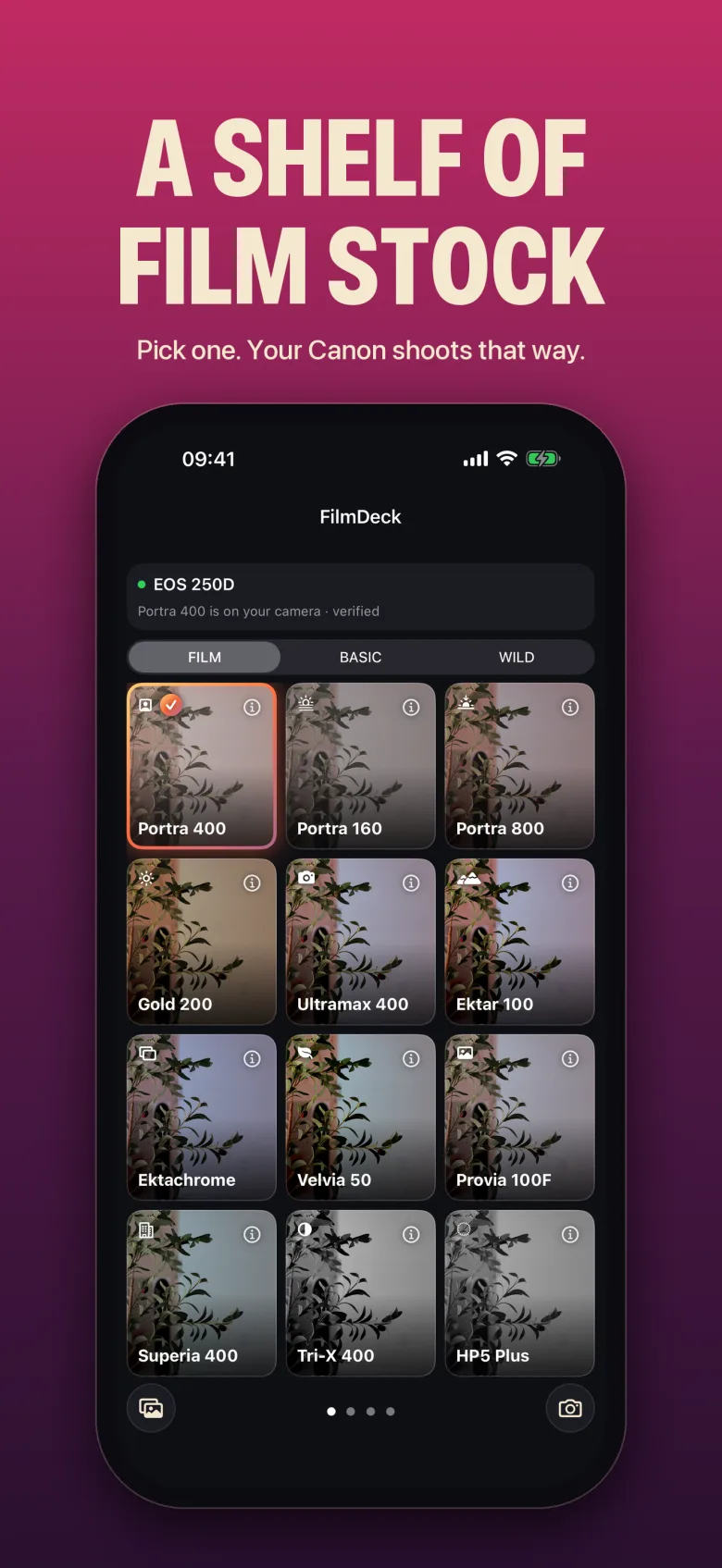
Each look is a film-inspired palette, built by eye, with classic Kodak and Fuji film stock as the reference. Pick one, point, shoot. What you see in the viewfinder is what you get.
02 / iPhone camera
The look is live
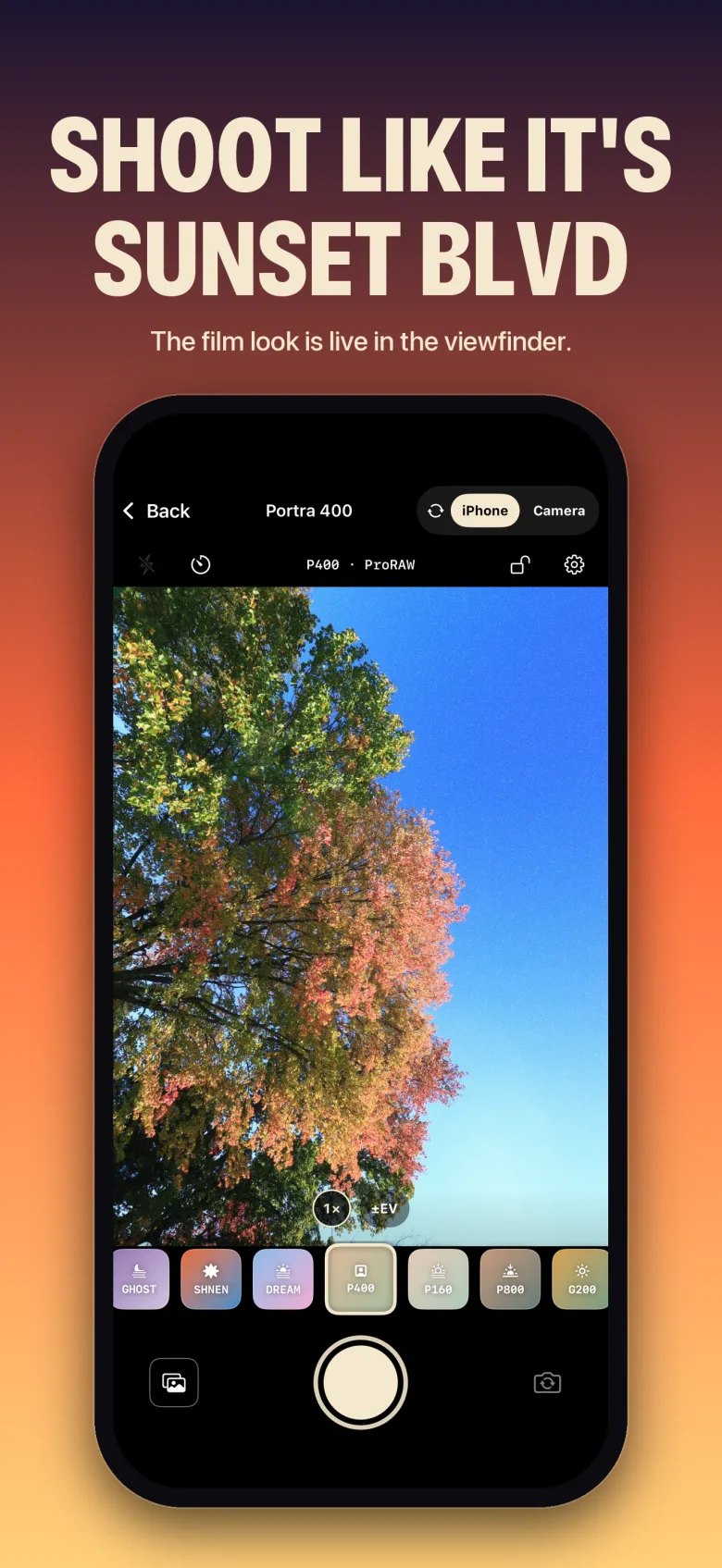
FilmDeck is a camera. Open it, pick a stock, and the viewfinder shows the finished look while you frame. The grain and the colour are there before you press the shutter, so you shoot for the film instead of fixing it later.
03 / Your Canon, your look
Matching palettes, inside the camera
Connect a Canon over Wi-Fi or USB and FilmDeck writes the look into the body’s own picture settings. Shoot JPEG with the stock baked in and the RAW untouched beside it. Every change is backed up first and read back after, and one tap puts the camera’s settings back to what they were before the tap. More brands are coming.
04 / Develop RAW
Develop on the phone
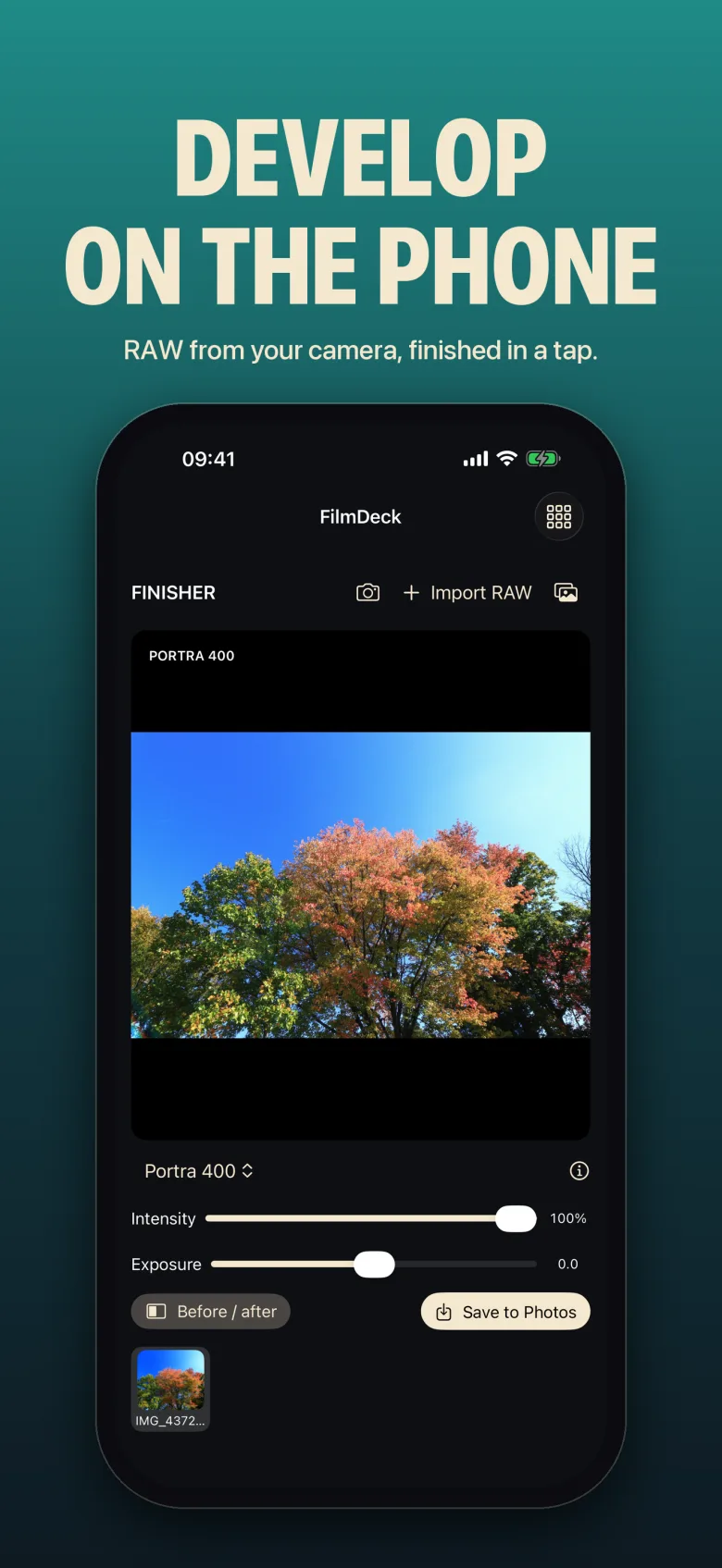
Pull RAW files straight off the camera or from your library and develop them with the same film stock. Before and after, strength, exposure, then a full-resolution JPEG into Photos. Nothing is uploaded. The original file stays where it was.
05 / Two ways to shoot
Two ways to shoot
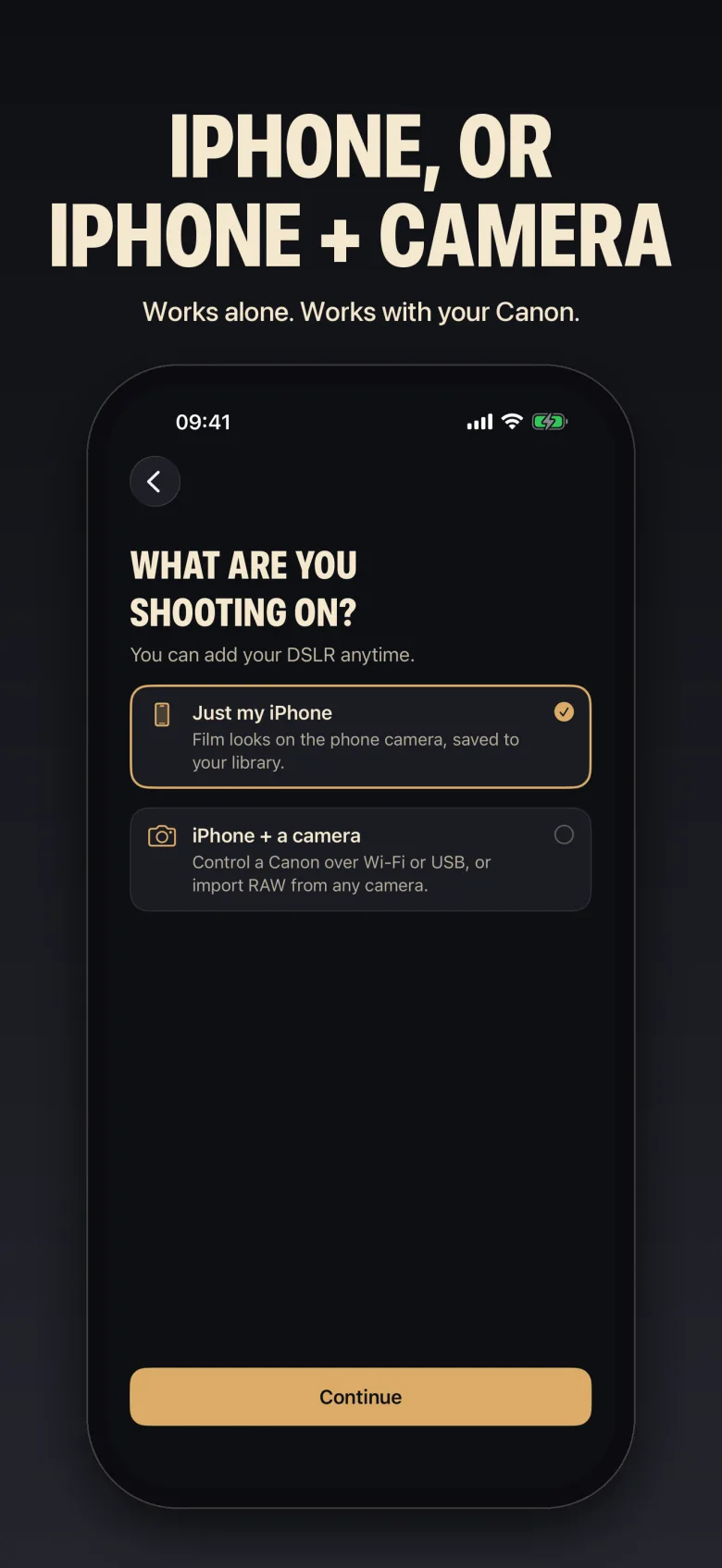
FilmDeck is the whole camera on an iPhone, and the companion app for serious shooters with a real camera.
Just an iPhone
FilmDeck is your camera. Pick a film stock and the look is live in the viewfinder. Saves the RAW too on iPhones that shoot it (ProRAW or RAW), the finished frame everywhere.
iPhone + your camera
FilmDeck sets the look inside the camera, pulls the RAW back, and finishes it on the phone.
How the camera takes the look
Canon EOS 250D- 1
Tap a stock on the deck
Pick the film stock on the phone, same as you would for the iPhone camera.
- 2
FilmDeck writes the camera’s own settings
Over Wi‑Fi or USB, then reads them back to confirm.
- 3
You shoot on the camera
The JPEGs already carry the look.
- 4
The RAW comes back to the phone
The finisher adds what no camera menu can: grain, halation, the full curve of the stock.
A camera’s menus get you most of the way to a film look, not all of it. Grain, halation and the exact tone curve of a stock aren’t settings a camera exposes, so FilmDeck does that part on the RAW afterwards. What the camera can set, it sets; what it can’t, the finisher adds.
Built and tested on the Canon EOS 250D. Other EOS bodies with the Camera Control API should connect the same way; tell us if yours doesn’t. Fujifilm, Nikon and Sony support is coming.
06 / Setup guides
Setup guides
Getting each brand talking to FilmDeck, with pictures of the camera menus.
Canon
Camera Control API, hotspot or home Wi‑Fi, USB. One-time activation on most bodies.
Read the guideFujifilm
Bluetooth pairing, then the camera’s own hotspot. USB tether mode.
Read the guideNikon
Camera hotspot or home router from the network menu. USB as MTP/PTP.
Read the guideSony
Smartphone Connection hotspot, home Wi‑Fi on newer bodies, USB Remote Shooting.
Read the guide07 / FAQ
Questions
What does it cost?
$8.99, once. That’s the whole app: every film stock, the camera control, RAW development and export. No subscription, no in-app purchases.
Does it upload my photos?
No. Everything happens on the phone. There are no accounts and no analytics, and no server ever sees your pictures. Nothing leaves the phone except what you type into the “Don’t see yours?” box (the camera name and app version) and the email you give the beta form.
Will it change my camera settings?
Only the picture settings you ask it to, and only after backing up what was there. FilmDeck reads every change back to confirm it landed, and Undo puts the camera’s settings back to what they were before the tap. It never touches firmware and never formats a card.
Can I get the same look on the iPhone and on my Canon?
Close to it. Each stock has a matching palette for the Canon’s picture settings, adapted to what the camera can set, and the finisher adds the grain and halation on the RAW afterwards.
Do I need RAW files?
Yes, the finisher develops RAW. Bring in RAW from your camera, Files or your library, or let FilmDeck pull it off a connected camera for you.
Which iPhones?
Requires iOS 26 or later. The viewfinder is smoothest on the Pro models.
Golden hour is short
Be ready for it.