Pair over Bluetooth
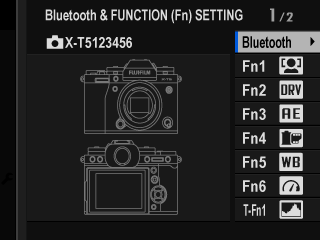
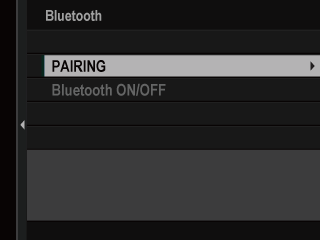
Bluetooth button (DISP/BACK)BluetoothPAIRINGQuick way: while shooting, press the Bluetooth button (it is the DISP/BACK button). Highlight Bluetooth, press MENU/OK, pick PAIRING.
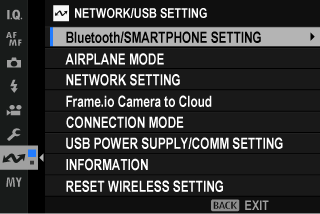
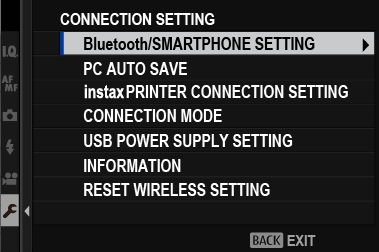
Menu way: Bluetooth/SMARTPHONE SETTING › PAIRING REGISTRATION.
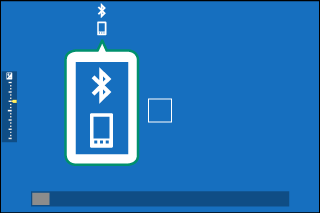
The camera shows a code. Start pairing on the phone, check the same code appears on both, and confirm. A white Bluetooth icon appears on the shooting screen when the phone is linked.
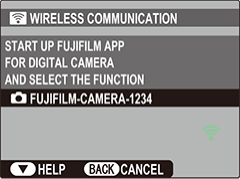
Fujifilm's own app is FUJIFILM XApp (it replaced Camera Remote in May 2023). XApp needs this pairing. Bodies that XApp does not support still use Camera Remote.